
A Strong Phone is a Safe Phone
Whether it’s texting grandkids, checking Facebook, or listening to music, skills for using today’s phones and using a computer overlap in significant ways. Phones are no longer simple devices used to talk and text. Everyone can now use them to check bank accounts, make doctor’s appointments, order a pizza without having to interact with another human being; we’re basically carrying pocket computers (just without the click of keyboard buttons). For both neurotypical and neurodivergent seniors, safety is important.
Now, to be clear, I’m not trying to give every senior citizen a neurodivergence diagnosis. That’s expensive, and if you can’t afford it from a doctor, you definitely can’t afford it from me. The reason it’s important to talk about senior citizens on a neurodivergence blog is that both groups encounter similar experiences with modern tech. These can range from feeling overwhelmed to being more susceptible to predatory tactics from untrustworthy people. This post exists to equip senior citizens and anyone new to smart technology with important tips for staying safe while using phones and the internet.
Strong Passwords Make Safer Phones
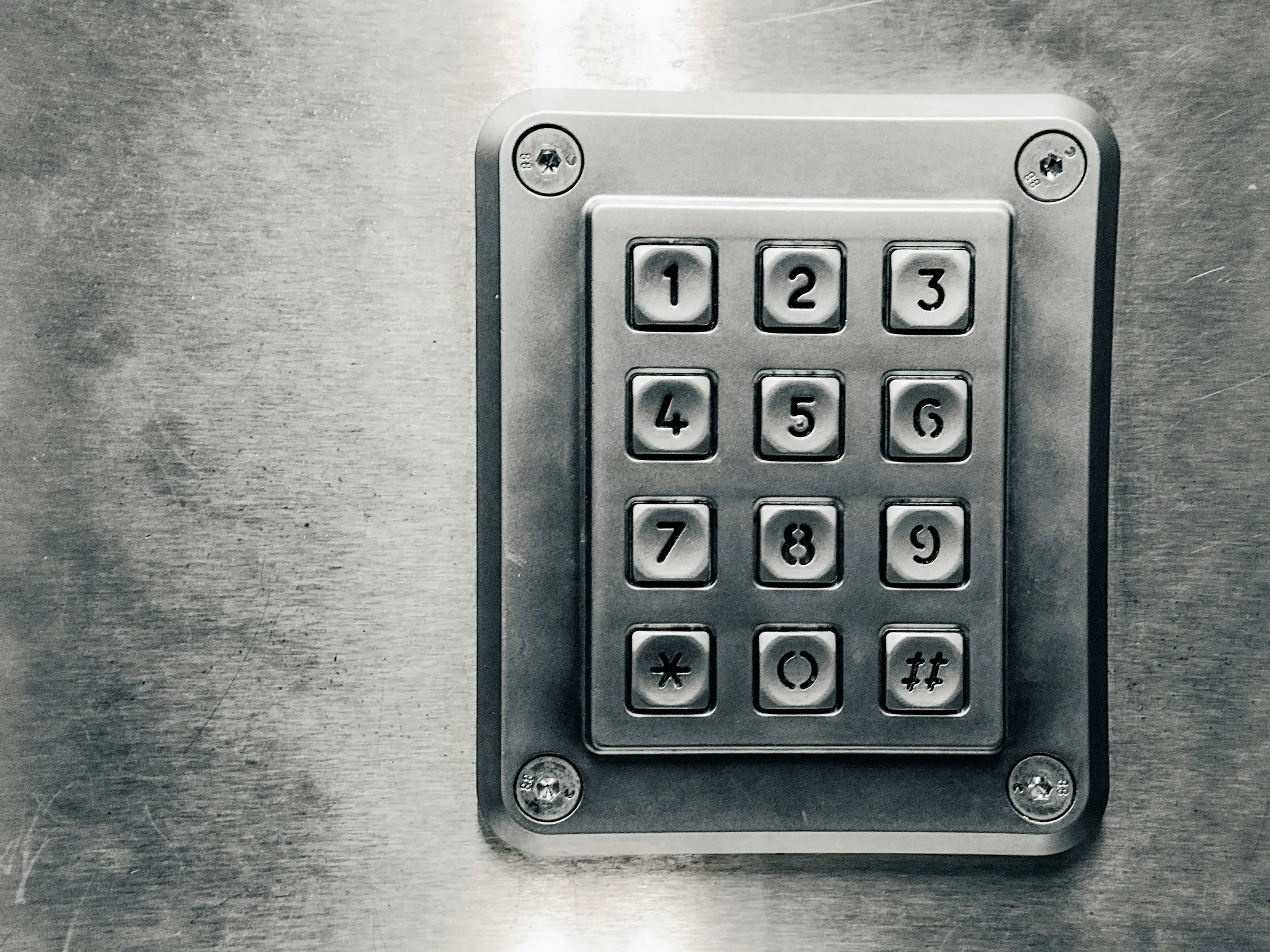
With the ability to access vital info, from banking to emails, to that embarrassing photo of your boss at the company Christmas party, security is paramount. You don’t want someone getting lucky enough to lift your phone from you, and then, without warning, your bank account is at 0. Make sure that your phone always has a passcode or password. It can either be a four-number sequence (such as 4981) or a word that’s important to you. However, this does not mean there aren’t choices you should avoid. When choosing a password/passcode, avoid the following:
Your birthday
Repeating numbers
Answers to security questions: mother’s maiden name, first pet name–common answers.
Do not give it to family members or grandchildren with a streak for messy behavior, trust me.
If you have trouble remembering passwords, use a password notebook and store it where not even your dog will find and chew it up.
And finally, for any device, do not–ever– use the passcode 1234. This is simple, and you want to give the cyber criminals some kind of challenge. A strong passcode is the primary thing standing between you and digital calamity.
Don’t Take the Bait

Get it…fishing bait :)
Phishing scams are one of the biggest dangers on the web today. Phishing scams attempt to trick people into giving away personal information or credit card details. The tried-and-true Nigerian Prince scam is a famous example of this kind of lie. And while different schemes have developed over time, they all work in the same fashion: exploiting people’s emotions to make it easier to steal money and info from them. In my experience of dealing with phishing scams, scammers pose as a cute girl or a notice from your bank notifying you that your credit card has been frozen. However, people will also try faking Medicare benefits expiration notices and Amazon account warnings. Here are two quick ways to avoid getting scammed:
Keep your emotions in check: Most phishing schemes try to trick you into thinking that you’re in a crisis. Keep calm and check with your bank or service provider first. If they report not sending you anything or the number looks weird, it’s a scam. If you get a note, read it over carefully. Sometimes, details don’t add up. For example, I got a note one time about an unpaid parking ticket…in Virginia. I live in Florida and haven’t been to VA since my junior year of college. When you slow down and take time to read things like that, it will instantly break their hold.
Keep social common sense in mind: As I said, in my experience, a scammer posed as a pretty girl to try to get something out of me. This scammer tried to get me to video chat with her when I wasn’t comfortable, and we had only been talking for a couple of days. I also checked her friends list to see if we had any mutuals, contacting them about her to see if they knew her well. These two actions saved me from a world of trouble. Stranger danger and keeping common sense with people you don’t know on Facebook and other platforms helps a lot here. Lastly, if you have grandchildren and you get a message from a random number saying they’re in trouble, breathe and call them first to verify. If they don’t pick up, call your children to verify.
Many Neurodivergent people, myself included, are susceptible to these scams due to their different social processing. I myself consider myself a friendly neurodivergent who wants to see the best in people. But this is why number 2 is important. The internet is full of many types of people, and we have to remember to discern when it’s ok to trust someone versus when it’s not.
Don’t Let Your Phone be a Nag

Sometimes…it can feel like you’r surrounded by constant dinging
This tip is more for peace of mind than peace of wallet. In this modern age, alerts deliver more news, outrage, and noise than ever before. Mix this in with how algorithms boost controversy for engagement, and you’ve got a cocktail for mental exhaustion. The constant dinging from notifications for emails and YouTube subscriptions is also a guaranteed ticket to sensory overload. Using settings, turn off push notifications for any apps that you don’t rely on for day-to-day and make a routine of checking emails and subscriptions at a frequency that’s comfortable for you. Examples of these apps are the following:
Youtube Notifications (though it is possible to customize your subscriptions within the app. I actually recommend that more.)
Social media apps: Facebook, Instagram,
Mobile Game Push Notifications
Shopping apps, such as Amazon or Etzy
In a way, having a smartphone is like being married. It’s a personalized relationship where you have to know how to communicate, what to communicate, and what boundaries are important to respect so the dynamic stays healthy. Knowing how to customize your phone is one of the best ways to maintain a healthy relationship with it.
Conclusion
Safety with phones is both technical and personal. Keeping this short guide in mind will help to ensure that your personal info, finances, and phone in general are in a safe haven and not a liability. As long as your passwords are strong, your phone is always in your pocket, and your notifications are custom, you will have a long, happy union.
